Loading...
Subscribe to Our Newsletter
Get the latest updates delivered straight to your inbox.

The ultimate L&D solution for upskilling your workforce.


© 2026 SkillUp MENA, Inc. All rights reserved
Subscribe to Our Newsletter
Get the latest updates delivered straight to your inbox.
The ultimate L&D solution for upskilling your workforce.
© 2026 SkillUp MENA, Inc. All rights reserved

 Share :


Using an LMS to Train Partners and Distributors in JordanA manufacturer in Amman launches a new model and needs forty dealers across Jordan to explain and install it correctly by the end of the month. The training goes out the usual way: a PDF by email, a video in a messaging group, and a call with whoever can join. Six weeks later, a dealer in Irbid still follows the old installation steps, a distributor’s former salesperson still has the internal price sheet on his phone, and nobody knows which technicians were trained on the new model.
Moving partner training into LMS software, the learning management system you may already use for employees, solves part of this. It gives every dealer one place to find the current course and gives you a record of who completed what. But LMS software is usually set up around employees, whose accounts, roles, and data come from your own HR records. Partners and distributors are different: they work for other companies, they join and leave without telling you, and they should see only what is meant for them.
This article explains how Jordanian HR, IT, and procurement teams can prepare LMS software for external learners, sometimes called extended enterprise training: partner accounts, separate permissions, product versions, and minimal personal data. If you have already checked the internal experience, as described in our guide to testing employee and manager journeys in an Arabic LMS, treat partners as a third journey with rules of their own.
Why Partner Training Needs Its Own Rules in LMS SoftwareInside your company, LMS software can rely on facts you control: HR knows when someone joins, changes role, or leaves. For a dealer’s technician or a distributor’s sales representative, none of this is available. You do not employ them, and you often hear about a resignation only when someone else asks for a login.
That creates three risks that rarely appear in employee training. Accounts outlive the people and agreements behind them. One partner sees another partner’s staff, results, or commercial content. And partner records fill up with personal details that nobody actually needs. Each risk has a practical answer, but the answers must be designed before the first partner signs in to the LMS software, not after a complaint.
Agree on ownership at the start. Typically, the commercial team owns the partner relationship, IT owns access to the LMS software, and HR or L&D owns the content and the training record. Write down who approves and closes partner accounts, so that distributor training does not depend on one person’s memory.
Setting Up External Accounts in Your LMS SoftwareStart with one rule: every learner has an individual account. Shared logins, such as one account for a whole dealership, save time on the first day and destroy the value of the training record in the LMS software afterwards, because you can no longer tell who completed what.
Then decide how external accounts are created and closed. A workable model for partner training looks like this:
When you compare LMS software options, ask each provider to demonstrate these steps rather than describe them: creating a partner account, giving a coordinator limited rights, setting an end date, and deactivating an account while keeping its history. If a step needs a manual workaround in the LMS software, note who would carry it out and how often. Our article on managing inactive LMS accounts covers the review of unused accounts in more detail.
Distributor staff may have only a personal email address or a mobile number, and some will open the LMS software a few times a year. Test the first sign-in to the LMS software and the password reset with a real partner technician, on his own phone, before rolling out to the whole network.
Permissions in LMS Software: Each Partner Sees Only Its Own PeoplePermissions decide what each external user can see and do. The OWASP Foundation’s Authorization Cheat Sheet describes least privilege as assigning users only the minimum privileges necessary to complete their job, notes that it must be applied both horizontally and vertically, and recommends that applications deny access by default. For partner training, vertical means a dealer’s coordinator cannot do what your administrators do; horizontal means one dealer cannot see another dealer’s people.
Turn these principles into test scenarios and run them in the LMS software with test accounts before any partner joins:
The last test checks deny by default in practice. Run the full set again after major configuration changes to the LMS software. The same OWASP guidance advises reviewing permissions after deployment for ‘privilege creep’, which in distributor training usually means a coordinator given extra rights for one urgent task who never lost them.
Managing Product Versions in LMS Software for PartnersPartners sell and service what you make, so their training follows your product cycle. When a model is updated, a dealer’s technician needs to know what changed, and you need to know which technicians have been trained on which version. LMS software can support this only if product versions are part of the course design from the start.
Practical rules that suit most partner programs:
Then test what the LMS software does when you publish a new version. Can you see who completed version 1 but not the update? Do completions of the old course stay in a learner’s history when the course is retired? Can partner coordinators see who still needs the update? For the internal side of the same problem, see our guide to eLearning for Jordanian software teams during product updates.
Collecting Only the Partner Data Your LMS Software NeedsIt is tempting to copy the full employee profile into partner accounts. Resist it. The OECD Privacy Guidelines state that there should be limits to the collection of personal data, and that the purposes of collection should be specified no later than the time of collection, with later use limited to those purposes. For partner training in LMS software, the purpose is narrow: give the right person the right course and record the result. Data minimization follows from that purpose.
A minimal partner profile in LMS software usually needs:
Leave out what the purpose does not require: national ID numbers, dates of birth, home addresses, photos, and personal social media accounts. Equally important, keep your partners’ customers out of the LMS software. Exercises should use fictional customer cases, and uploads should never include real invoices, warranty forms, or installation photos that show a customer’s home or details.
Tell partners in plain Arabic and English what you collect and why, decide how long records are kept after a partner leaves, and confirm the approach with your legal advisers against the data protection requirements that apply to your company in Jordan.
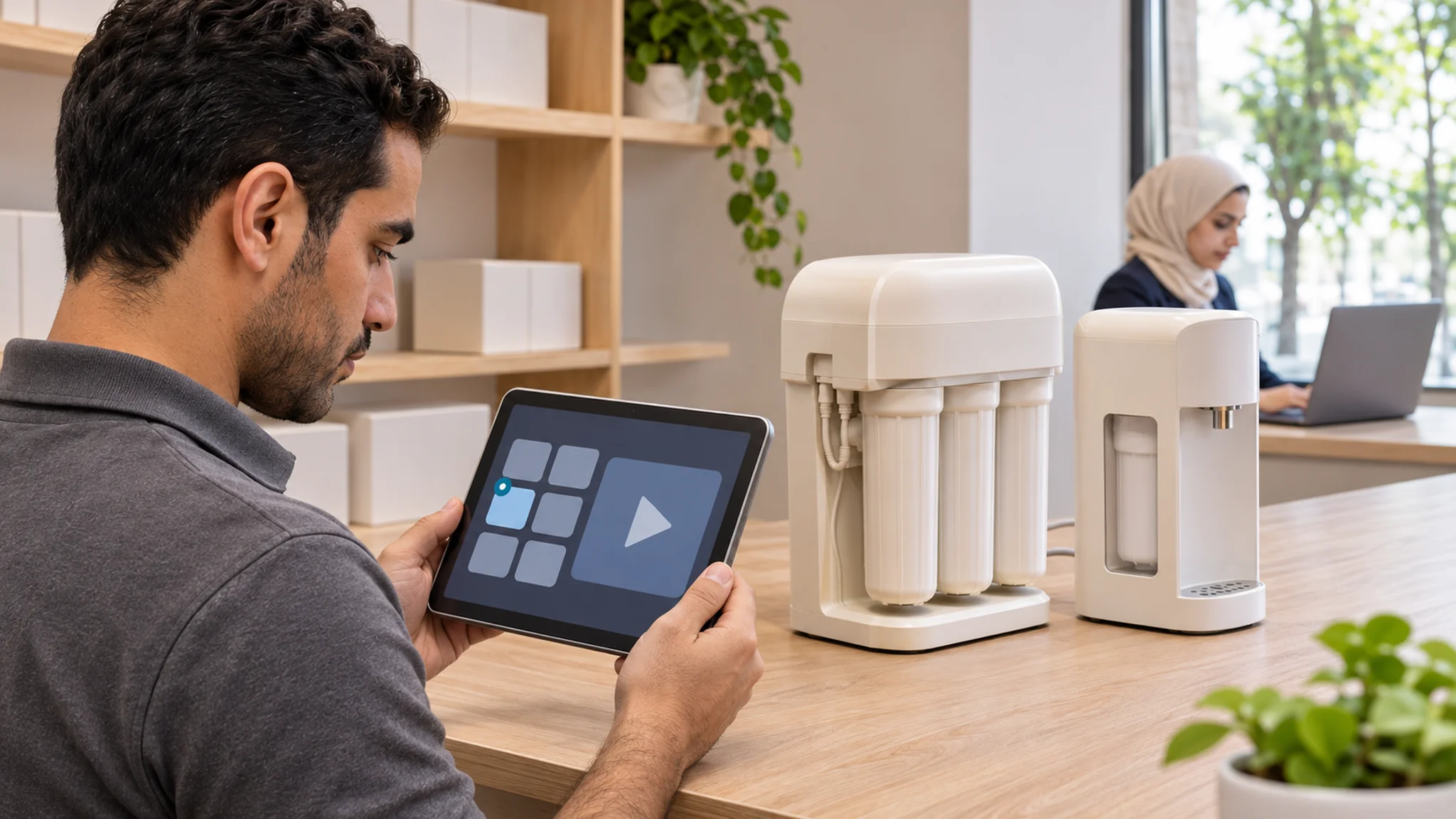
A Hypothetical Example: LMS Software for Water Filter DealersThe following example is hypothetical and only illustrates the approach.
A Jordanian manufacturer of home water filtration systems sells through about thirty independent dealers in Amman, Zarqa, Irbid, Madaba and Aqaba. It is launching a new under-sink model with a different cartridge and an extra installation step.
The training team sets up partner access in its LMS software. Each dealer nominates a coordinator, who requests individual accounts for installers and salespeople, and every account ends on the date of the dealer agreement. The five permission tests, run with two test dealers, show that coordinators can see the internal service course for the company’s own technicians. The provider changes the catalog visibility, and the tests are repeated until all five pass.
The new course is named with the model and version, and dealers who completed the previous model receive only a twelve-minute update module. Partner profiles contain six fields, and the installation exercise uses fictional homes instead of customer photos. Each month, the commercial team checks which dealers have installers trained on the new version and which accounts have not been used in ninety days.
SummaryTraining partners and distributors through LMS software works when external learners are treated as a separate audience with their own rules. Give every person an individual account with an owner and an end date, keep each partner’s people and content separate, and test those permissions before launch rather than trusting a demo.
Build product versions into course names and records so you always know who is trained on what, and collect only the data the training needs, without your partners’ customers. With these rules in place, your LMS software becomes a reliable channel for partner knowledge instead of another list of forgotten logins.
Click here. If you are preparing to open your LMS software to partners and distributors, you can discuss your Arabic LMS requirements with the SkillUp MENA team.