Loading...
Subscribe to Our Newsletter
Get the latest updates delivered straight to your inbox.

The ultimate L&D solution for upskilling your workforce.


© 2026 SkillUp MENA, Inc. All rights reserved
Subscribe to Our Newsletter
Get the latest updates delivered straight to your inbox.
The ultimate L&D solution for upskilling your workforce.
© 2026 SkillUp MENA, Inc. All rights reserved


 Share :


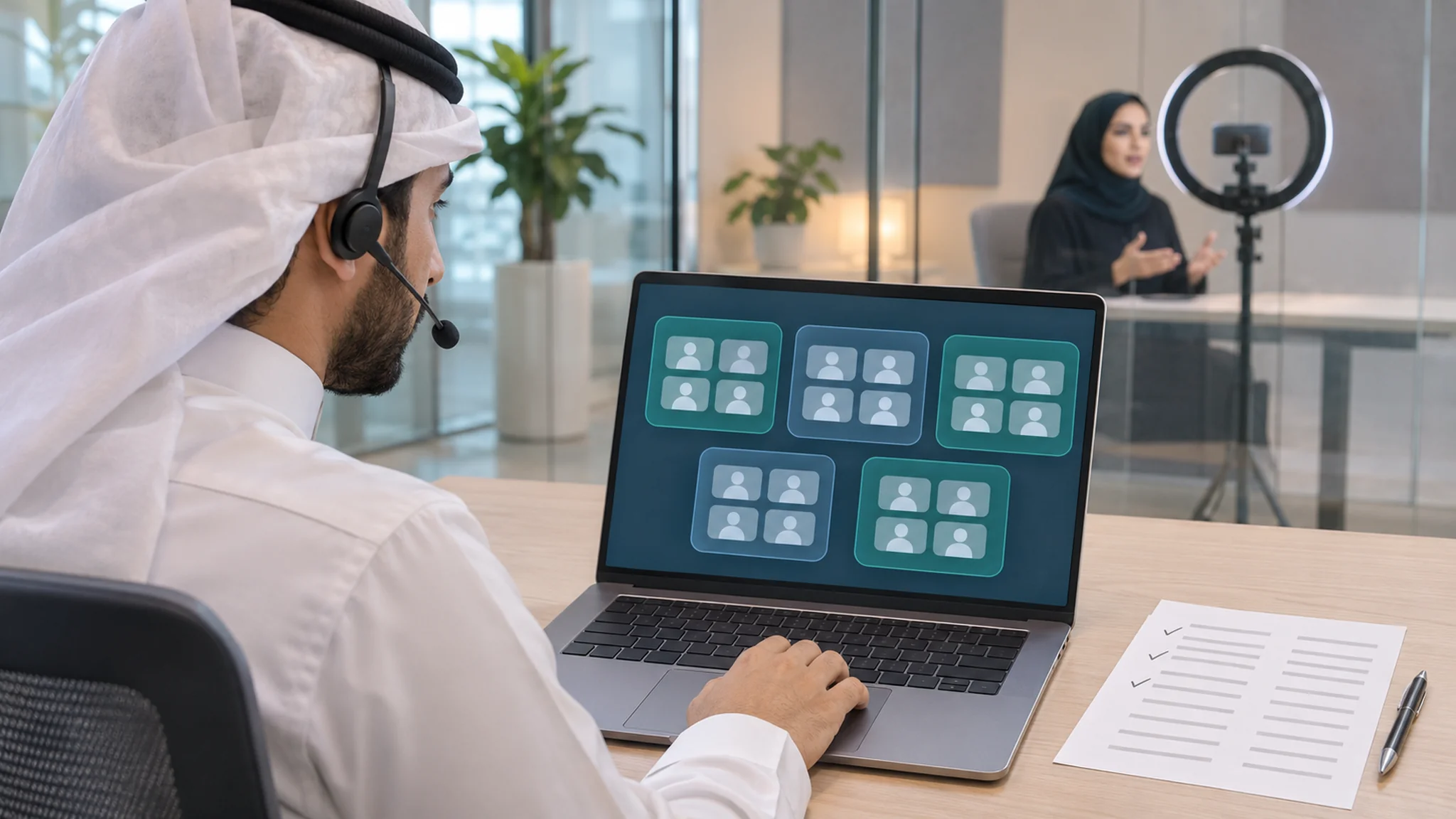
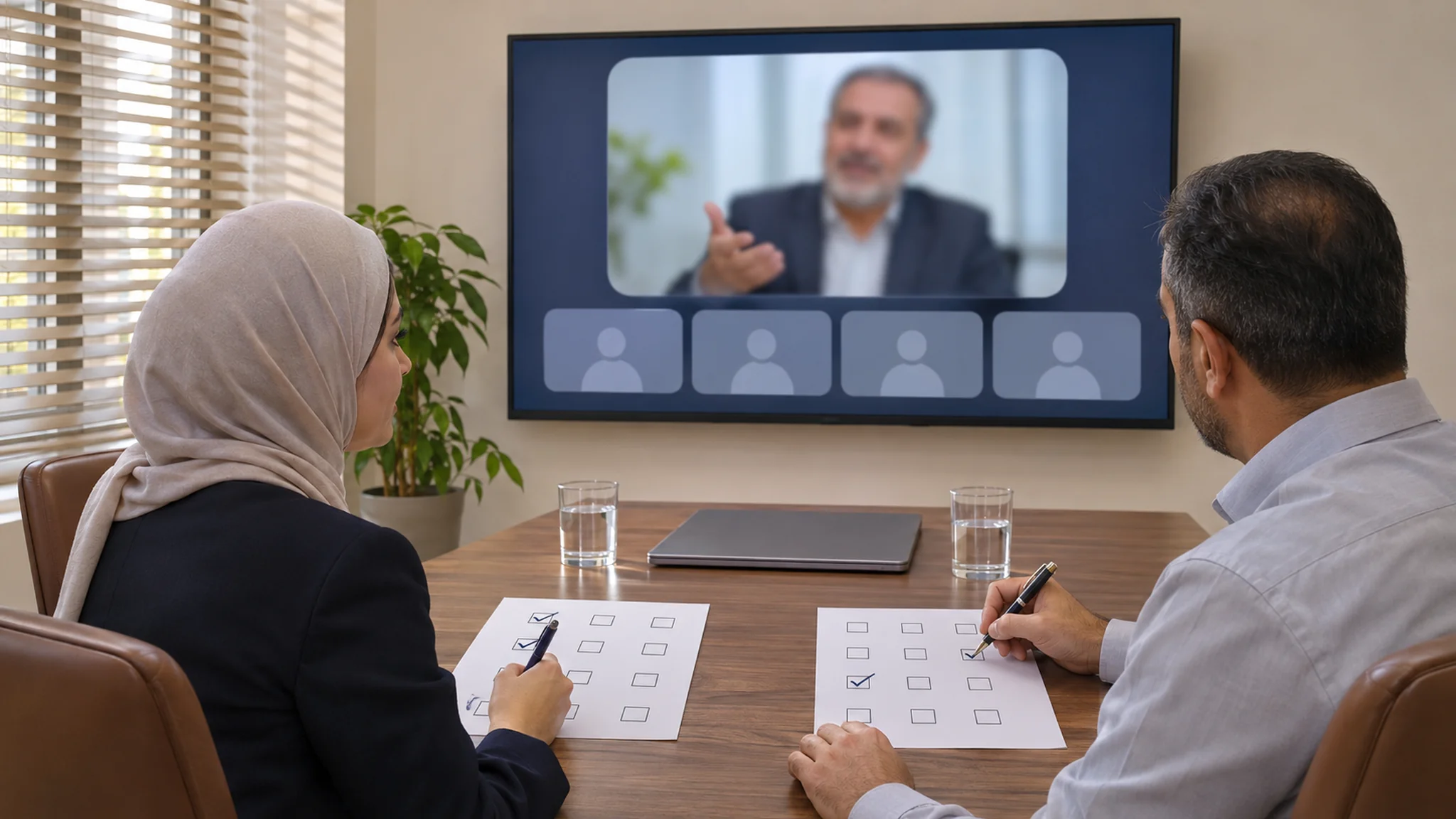
Setting Up an Instructor-Led Software Lab in RiyadhIt is 8:30 on a Sunday in Riyadh, and twenty employees sit in a meeting room turned into a lab for the company’s new system. By 9:10, six of them still cannot log in, two have opened a screen showing real colleagues’ salaries, and the only trainer is crouched beside one laptop resetting passwords while everyone else waits.
The exercises were well designed. The lab was not. Hands-on system training depends on a room, devices, accounts, data, and staffing that work from the first minute, and none of these appear by themselves.
This article is for training and IT teams in Riyadh preparing instructor-led training (ILT) on a new system. It assumes your practice tasks are already chosen, as described in our guide to selecting practice transactions for IT training before an ERP launch, and covers what comes next: test accounts, safe data, and the trainer-to-group ratio for each kind of task. All scenarios are hypothetical, and no software vendor is implied.
What an ILT Software Lab Needs Before Day OneAn ILT software lab has five parts, and each needs a named owner on the training or IT side:
The room can be a training room or meeting room at your own premises, or a venue you choose, as long as your IT team can prepare it in advance. Book it for the day before as well; most ILT lab problems are found and fixed during setup.
Room, Devices and Access for ILTIn an ILT lab, give each participant a device of their own. Shared devices halve practice time and blur who did what. Use the same browser, screen size, and language settings employees will have at work, so the lab rehearses the real experience.
Ask IT to confirm early that devices in the ILT room can reach the training environment through the company network, and that nothing in the setup reaches the live one. Make the difference visible: many systems allow a colored banner or theme for non-production environments, so nobody mistakes the training system for the real one. Keep two spare devices and a printed copy of each exercise in case a machine fails.
ILT Test Accounts That Mirror Real RolesCreate one account per seat, named by seat rather than by person, so a participant who changes seats does not take someone else’s work. Give each account the permissions of the real role it represents, no more. This follows the principle of least privilege set out by the US National Institute of Standards and Technology in SP 800-53: allow only the access users need for their assigned tasks. In an ILT lab, it has a teaching purpose too: participants see the screens and buttons they will see on go-live day, not an administrator’s view.
Then add the accounts the exercises depend on:
If an exercise passes work between roles, seat those accounts side by side; our article on cross-role classroom exercises for Saudi project teams explains how to design that kind of joint task. Print credentials on sealed cards placed at each seat, test every login the day before, and agree with IT when the accounts will be disabled. The same NIST catalog recommends removing or disabling temporary accounts automatically after a defined period, rather than when someone remembers.
Open each ILT session with a two-minute account briefing: which card belongs to which seat, what to do when an account locks (raise the help card, never share a colleague’s login), and a reminder that every record on screen is fictional.
Safe ILT Data: Fictional, Isolated and ResettableDo not copy live records into the ILT environment because it is quicker. NIST’s guidance on the use of live data notes that using personally identifiable information in testing, research, and training increases the risk of unauthorized disclosure or misuse, and that test or dummy data reduces it. For Saudi organizations, the PDPL Implementing Regulation also asks controllers to collect only the minimum personal data necessary for the purpose. Where real data seems unavoidable, agree the approach with your data protection function first.
Safe data is not only fictional; it is also isolated and resettable:
Prepare a one-page reference of the fictional records for the ILT trainer, with record numbers, names and the expected result of each exercise, so a supporter can check a participant’s screen at a glance. Time the reset during the dry run: if restoring the data takes ninety minutes, two ILT groups cannot share a morning.
Set the ILT Trainer-to-Group Ratio by TaskOne ratio for the whole day is the most common staffing mistake in an ILT lab. The need for help changes with the task, so plan staffing for each block of the agenda. As a starting point, to adjust after the dry run:
Write the planned ratio into the ILT agenda next to each block, so the training lead can see in advance where extra help is needed and book it. In ILT, floor support does not need to come from trainers. Key users from the business, briefed on the exercises, are often the best helpers because they know the work. Give participants a simple signal for help, such as a card propped on the monitor, so supporters can see who is stuck without anyone waiting with a raised hand. This mix of trainers and key users is also how ILT builds IT skills that last beyond the session.
The Dry Run and the Lab LogTwo or three working days before the first ILT session, run a full dry run in the same room at the same time of day. Log in to every account, complete the first exercise end to end on at least two seats, trigger one workflow approval, then reset the data and check it again.
During delivery, keep a lab log: login failures, data problems, environment errors, and the real time each exercise took. Hand it to the IT and project teams after each day, because it is an early warning of problems users will meet after go-live. Close each ILT day with a ten-minute lab check: collect the seat cards, list accounts to unlock or reset, and confirm with IT that the reset for the next group has started.
If your organization runs labs regularly, booking rooms, devices, and trainers is a training operations task; our guide to choosing between an LMS or training management system shows where that work usually sits.
Practical Points for ILT Labs in RiyadhMany systems used in Saudi organizations run in Arabic and English. Set each lab account’s interface language to the one employees will actually use, and make sure exercise sheets show screen labels exactly as they appear. If participants travel from Jeddah, Dammam, or other branches, check that their usual devices and network settings are represented in the room.
External trainers need access too. Agree with IT security which trainer accounts, guest network access, and building passes the ILT team will receive, and when they will be withdrawn. Schedule the lab so that it does not compete with the project’s own testing for the same training environment.
A Hypothetical Example: An HR System Lab for a Riyadh Retail GroupThis example is hypothetical and shows only how the elements fit together.
A retail group headquartered in Riyadh is moving to a new HR self-service and payroll system. Eighteen HR officers and line managers need practice before go-live, in a meeting room at head office converted into an ILT lab for two days.
IT prepares twenty laptops, eighteen seat accounts with HR officer or line manager permissions, four spares, and two trainer accounts. The training environment holds fictional employees with invented salaries and leave balances, and email notifications are switched off. The dry run shows that the data reset takes forty minutes, so the second ILT group starts after lunch rather than mid-morning.
The ILT agenda sets staffing by block: two trainers for guided practice, plus three key users from HR for the leave-approval exercises, where most errors occur. The lab log records two locked accounts and one approval step that behaved differently from the process document; the project team corrects the configuration before go-live.
SummaryA well-designed ILT exercise fails in a badly prepared room. An ILT software lab needs devices that match the workplace, access to an isolated training environment, role-based test accounts, fictional data that can be reset, and trainer and floor support matched to each task rather than one ratio for the day.
Test everything in a dry run, keep a lab log during delivery, and disable the accounts when the ILT program ends. Prepared this way, the first minutes of the session go to practice, not to passwords.
Click here if you want Skillup MENA to help you.