Loading...
Subscribe to Our Newsletter
Get the latest updates delivered straight to your inbox.

The ultimate L&D solution for upskilling your workforce.


© 2026 SkillUp MENA, Inc. All rights reserved
Subscribe to Our Newsletter
Get the latest updates delivered straight to your inbox.
The ultimate L&D solution for upskilling your workforce.
© 2026 SkillUp MENA, Inc. All rights reserved

 Share :


Lightweight eLearning for Volunteer Training in Syria
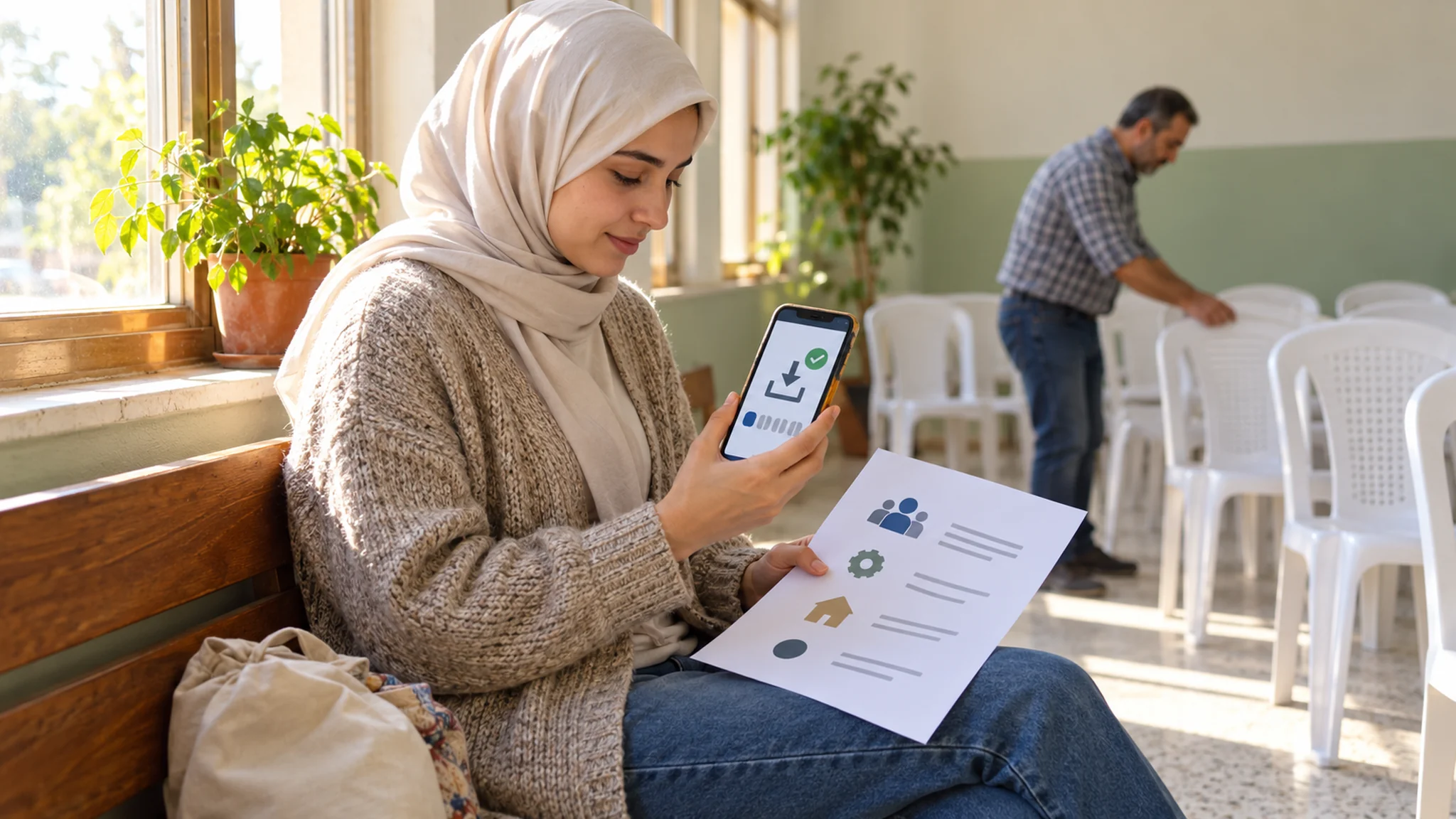
Picture a volunteer coordinator at a community center in Syria preparing for a new group of volunteers. The orientation eLearning course already exists: a 45-minute online module with video, built for staff with office computers. The people who signed up are students, teachers and retired tradespeople who will give two afternoons a week, mostly using their own phones and their own paid data. By the end of the first week, few have finished the module, and those who did are unsure what to do at the welcome desk.
The problem is not the volunteers’ commitment. The eLearning was designed for a different audience: people with work time, office connections and devices paid for by an employer. Volunteers give their own time and often their own data, and any eLearning that ignores this loses them before their first real task.
This article sets out a lightweight eLearning design for organizations that train volunteers in Syria, including those working within NGO and UN-related programmes: downloadable packages, a time commitment volunteers can manage, an alternative way to take part for those who cannot use the packages, and a local access test before rollout. The examples are hypothetical and deliberately non-sensitive.
What Makes Volunteer eLearning Different
Staff training can assume paid time, a work device and a supervisor who follows up. Volunteer training usually cannot. Volunteers may study or work elsewhere, join for a single campaign, share a family phone, and face power or connection interruptions at home. Many also move on within months, so the same volunteer orientation runs again and again.
That changes the design priorities. Lightweight eLearning for volunteers should be small enough to download once, short enough to fit around other commitments, usable without a constant connection, and matched by an equivalent route for anyone who cannot use it. It should also stay within a clear scope: orientation and routine, non-sensitive tasks. Topics such as safeguarding, protection or security procedures need dedicated, supervised training and are outside the scope of this article.
Downloadable eLearning Packages Instead of Streaming Modules
Build one eLearning package per volunteer role, downloaded once and usable offline. A W3C Recommendation, Mobile Web Best Practices 1.0, notes that mobile data transfer often costs money, advises dividing pages into usable but limited-size portions, and recommends avoiding large or high-resolution images unless critical information would otherwise be lost. The document dates from 2008, but for volunteers paying for their own data, its principles still apply.
In practice, a lightweight package contains:
• Short eLearning units of a few screens each, saved in a format that opens without a connection.
• Compressed photos instead of video, with a short audio clip only where tone or pronunciation matters.
• One practice task per unit, based on a real situation from the volunteer’s role.
• A one-page printable summary of the same content.
• A simple way to confirm completion once back online, such as a short form, or a check by the coordinator.
Set a size budget for the eLearning content before building it, and keep to it. Every extra minute of video is a cost passed on to the volunteer.
Completion is better confirmed by evidence than by a click. At the start of each volunteer’s first shift, the coordinator can ask them to repeat one practice task for real, such as filling in a line of the attendance sheet or setting out one room, which takes two minutes and shows whether the package worked.
Time Volunteers Can Actually Give to eLearning
Plan the whole orientation around the time volunteers can realistically spare. Break the eLearning into units of about ten minutes that make sense on their own, so someone can finish one during a break and pick up later without starting again. Then separate what is essential before the first shift from what can wait. Two units completed before day one are worth more than six units planned and never finished; the rest of the eLearning can follow during the first month.
Avoid timed quizzes and countdowns. The W3C accessibility guidelines include Success Criterion 2.2.1, Timing Adjustable, a Level A requirement that users can turn off, adjust or extend time limits set by content, so that people with disabilities have adequate time to interact with it. Following it also helps volunteers whose connection or electricity cuts out mid-question.
Let the eLearning remember progress inside the package where possible, and tell volunteers clearly how long each unit takes. A stated ten minutes is easier to commit to than an open-ended course.
A Participation Alternative Alongside the eLearning
Some volunteers will not be able to use even a lightweight eLearning package: no smartphone, a shared device, limited reading confidence or simply a preference for learning with others. Offer a participation alternative from the start, not as an exception:
• A short coordinator-led session using the printed summaries and the same practice tasks.
• Voice-note versions of each unit, sent through the messaging app the team already uses.
• Pairing a new volunteer with an experienced one for the first shift, using the same checklist.
Whichever route a volunteer takes, the practice task and the final check should be the same as in the eLearning, so every route leads to the same standard, and record completion the same way for everyone; a volunteer who learned in a group session should not look less prepared on paper.
Where coordinators run sessions online, see our guide to live virtual training for distributed NGO teams in Syria.
Run a Local Access Test of the eLearning Before Rollout
Do not judge the package from the office where it was built. Test it where volunteers will use it, on their own devices and at the times they are likely to study. Jakob Nielsen’s widely cited guidance on testing with five users argues that small tests reveal most usability problems and that several small rounds beat one large study, with a few users from each group when audiences differ.
For a volunteer package, that means around five volunteers in each location or group, each asked to:
• Download the package on their usual phone and connection, and note how long it takes.
• Open it later without a connection.
• Complete one eLearning unit and its practice task without help.
• Say what confused them and what they skipped.
Fix what the test reveals, then test again with a new small group. If the package will be distributed through a learning platform, check registration and access for volunteers as well; our article on access and user management in an Arabic LMS for NGOs in Syria covers that side.
A Hypothetical Example: eLearning for Weekend Workshop Volunteers
The following example is hypothetical and is included only to illustrate the design.
A community organization runs weekend vocational workshops for adults, such as basic phone repair and sewing, at a community center in Latakia. It recruits volunteers to welcome participants, keep the paper attendance sheet, set up rooms and hand over at the end of the day.
Its existing orientation is a 40-minute video. The learning team replaces it with a downloadable eLearning package of four ten-minute units: the welcome desk, the attendance sheet, room setup and the end-of-day handover. Each unit has photos, one practice task and a printable page.
The local access test with five volunteers shows three problems: one short video clip still makes the package too heavy for two phones, one volunteer has no smartphone, and the attendance-sheet task confuses everyone because the on-screen sheet differs from the paper one. The team replaces the clip with three photos and a short audio note, adds a coordinator session using the printed pages, and redraws the task to match the real sheet. A second test with a new group goes smoothly, and the eLearning is released to all new volunteers.
Keeping Packages Current Across Volunteer Groups
Downloaded packages stay on phones long after they are out of date, and volunteer groups change often. Put a version date on the first screen of every unit and on each printable page, and ask coordinators to check it at the first shift. When a routine changes, send a small update covering only that unit rather than a new full package, so volunteers do not have to download the whole eLearning again for one changed step.
Keeping Volunteer eLearning Realistic
Lightweight eLearning does not replace supervision during the first shifts, and it should not promise certificates or recognition the organization cannot provide. Collect only the volunteer information needed to confirm completion, store it securely and explain why it is collected. Keep packages general and practical: they do not need to include anyone’s personal details or any sensitive operational information.
Summary
Volunteers give their own time, and often their own data. eLearning designed for them should respect both: small downloadable packages, ten-minute units without time pressure, an equivalent participation route for anyone who cannot use the packages, and a local access test before rollout.
The same thinking, turning long material into practical tasks, also underpins our guide to turning NGO manuals into practical eLearning tasks in Syria. Start with one volunteer role, build its package, test it locally and expand from there.
Click here. If your organization trains volunteers and you would like to talk through a lightweight eLearning design, the SkillUp MENA team can discuss your requirements with you.