Loading...
Subscribe to Our Newsletter
Get the latest updates delivered straight to your inbox.

The ultimate L&D solution for upskilling your workforce.


© 2026 SkillUp MENA, Inc. All rights reserved
Subscribe to Our Newsletter
Get the latest updates delivered straight to your inbox.
The ultimate L&D solution for upskilling your workforce.
© 2026 SkillUp MENA, Inc. All rights reserved

 Share :


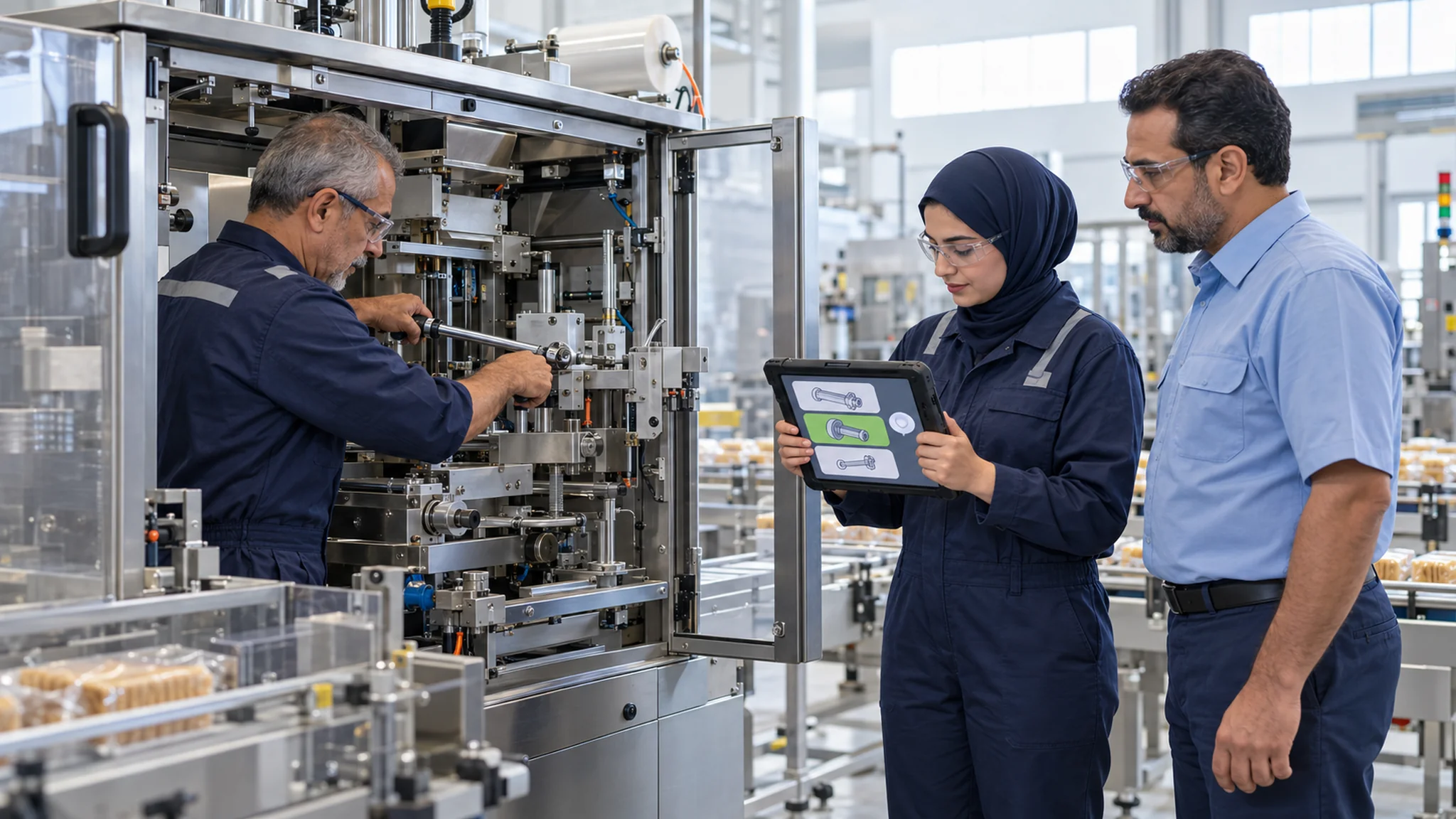
Matching eLearning Content to Task and Experience in AlgeriaAn Algerian food-processing company installs a new packaging machine at its plant in Sétif and launches an eLearning course on changeovers and routine maintenance. Every maintenance technician receives the same 40-minute course, from the apprentice who joined last month to the senior technician who has kept the old lines running for twelve years. The apprentices reach the difficult cases in the second half of the eLearning and guess. The senior staff clicks through twenty minutes of basics to find the one step that actually changed, and some never reach it.
Both groups complete the course, and neither gets what it needs. Splitting eLearning content by job title or years of service rarely fixes this, because seniority is not the same as mastery of a specific task. A technician may have years on the plant floor and still never have worked on the new machine.
This article shows HR and digital learning teams in Algerian companies how to match eLearning content to task and experience level using prior evidence. The core tool is a diagnostic table: for each task, it records the evidence you already have and uses it to assign either a foundational unit or an advanced attempt.
Why One eLearning Path for Everyone Wastes Time at Both EndsInstruction that helps a beginner is not automatically good for an expert. In a review of research across medical, technical, academic, and sports domains, Kalyuga, Rikers, and Paas describe expertise reversal effects: more experienced trainees may learn less than expected from instructions that are very effective for novices. Detailed step-by-step explanations, worked examples, and frequent hints support someone new to a task. For an experienced colleague, the same full walkthrough can become redundant material that slows them down.
The opposite mistake is just as costly. A new employee placed straight into complex cases, without the basic steps and terms, tends to guess, and guessing produces errors the eLearning then has to correct. Matching eLearning content to experience means giving each person the support their current evidence calls for, one task at a time.
Build the eLearning Content as Two Versions of Each TaskBefore you can assign anything, the content must be organized by task rather than by topic. List the tasks the role performs, then prepare two kinds of eLearning content for each priority task:
The two versions share the same standard. A foundational unit is not an easier test; it is more support on the way to the same performance. The advanced attempt also does double duty: it is practice for experienced employees and a check on whether their experience covers the current procedure.
What Counts as Prior EvidencePrior evidence is anything that shows how a person performs this specific task now, before any eLearning is assigned. Ranked from strongest to weakest, typical sources are:
Carnegie Mellon University’s Eberly Center describes performance-based prior knowledge assessments as the most reliable way to assess prior knowledge: give people a task, use the results for diagnosis, and do not grade them. The same center notes that with self-assessments, people may not be able to judge their own abilities accurately. Its advice is written for university courses, but the logic carries over to corporate eLearning: ask people to do the task, not to rate themselves on it.
Just as important is what does not count. Years of service, attendance at a supplier demonstration, a certificate from an older course and a manager’s general impression all say something about a person, but none of them shows how well they perform this task under the current procedure. Treat them as context, never as the deciding evidence.
Two conditions make evidence usable. It must be recent, typically from the last six months, and it must match the current version of the procedure, machine, or system. If you already collect scored work after training, our guide to using work samples to assess eLearning explains how to set the scoring standard.
Building the eLearning Diagnostic TableThe diagnostic table turns evidence into an eLearning assignment that anyone can check. Keep one table per role, with one row per task and five columns:
Then apply four decision rules across every row:
The table makes the logic visible. A team leader can see why a colleague skipped a unit, and an employee can ask which evidence placed them on a particular path. This is a simple, rule-based form of adaptive learning, and it needs no special software: a spreadsheet works as well as any eLearning platform feature.
Running the Table in Your eLearning PlatformMost eLearning platforms can apply the table through groups or assignment rules: one group for each outcome per task, with the diagnostic attempt set as the first activity for anyone without evidence. Before you rely on these rules, test whether your platform can assign by task rather than by whole course, record which evidence was placed for each person, and report results by task as well as by employee. Our article on language and reporting tests for an Arabic LMS in Algerian companies covers the reporting side.
A few habits keep the table fair:
A Hypothetical Example: Maintenance Technicians at a Food PlantThe following example is hypothetical and is included only to illustrate the method.
Returning to the plant in Sétif, the learning team splits the 40-minute eLearning course into three tasks: the routine lubrication and inspection round, a format changeover on the new packaging machine, and recording a breakdown in the maintenance system. Each task gets a foundational unit of eight to twelve minutes and an advanced attempt of about five minutes.
For the inspection round, the evidence is the supervisor’s review of each technician’s last three completed inspection sheets. For the changeover, which nobody has yet performed on the new machine without the supplier present, the evidence is a short diagnostic attempt at the start of the eLearning. Two technicians who watched the supplier’s commissioning ask to skip it; they take the attempt like everyone else, and one of them passes. For breakdown records, the team checks the completeness of each person’s last five entries in the maintenance system.
The table produces different paths within the same role. Most senior technicians take the advanced attempt for the inspection round and finish that part of the eLearning in minutes, but almost all of them are routed to the foundational unit for the changeover. Two apprentices, whose breakdown records are consistently complete, skip straight to the advanced attempt for that task, a reminder that seniority and mastery do not always match. Three months later, the eLearning team compares stoppage and rework records by task and adjusts the thresholds where needed.
SummaryOne eLearning course for everyone wastes the time of experienced employees and leaves new employees guessing. Matching eLearning content to task and experience starts by building each priority task as a foundational unit and an advanced attempt, then using prior evidence, not job titles, to choose between them.
The diagnostic table makes that choice explicit: task, evidence, threshold, assignment, and review date. Where your teams work in more than one language, also check that both versions name each task and step the same way, as discussed in our article on reviewing Arabic and French terminology in Algerian eLearning.
Click here. If you would like to map one of your eLearning programs into foundational units and advanced attempts, the SkillUp MENA team can discuss your requirements with you.