Loading...
Subscribe to Our Newsletter
Get the latest updates delivered straight to your inbox.

The ultimate L&D solution for upskilling your workforce.


© 2026 SkillUp MENA, Inc. All rights reserved
Subscribe to Our Newsletter
Get the latest updates delivered straight to your inbox.
The ultimate L&D solution for upskilling your workforce.
© 2026 SkillUp MENA, Inc. All rights reserved


 Share :


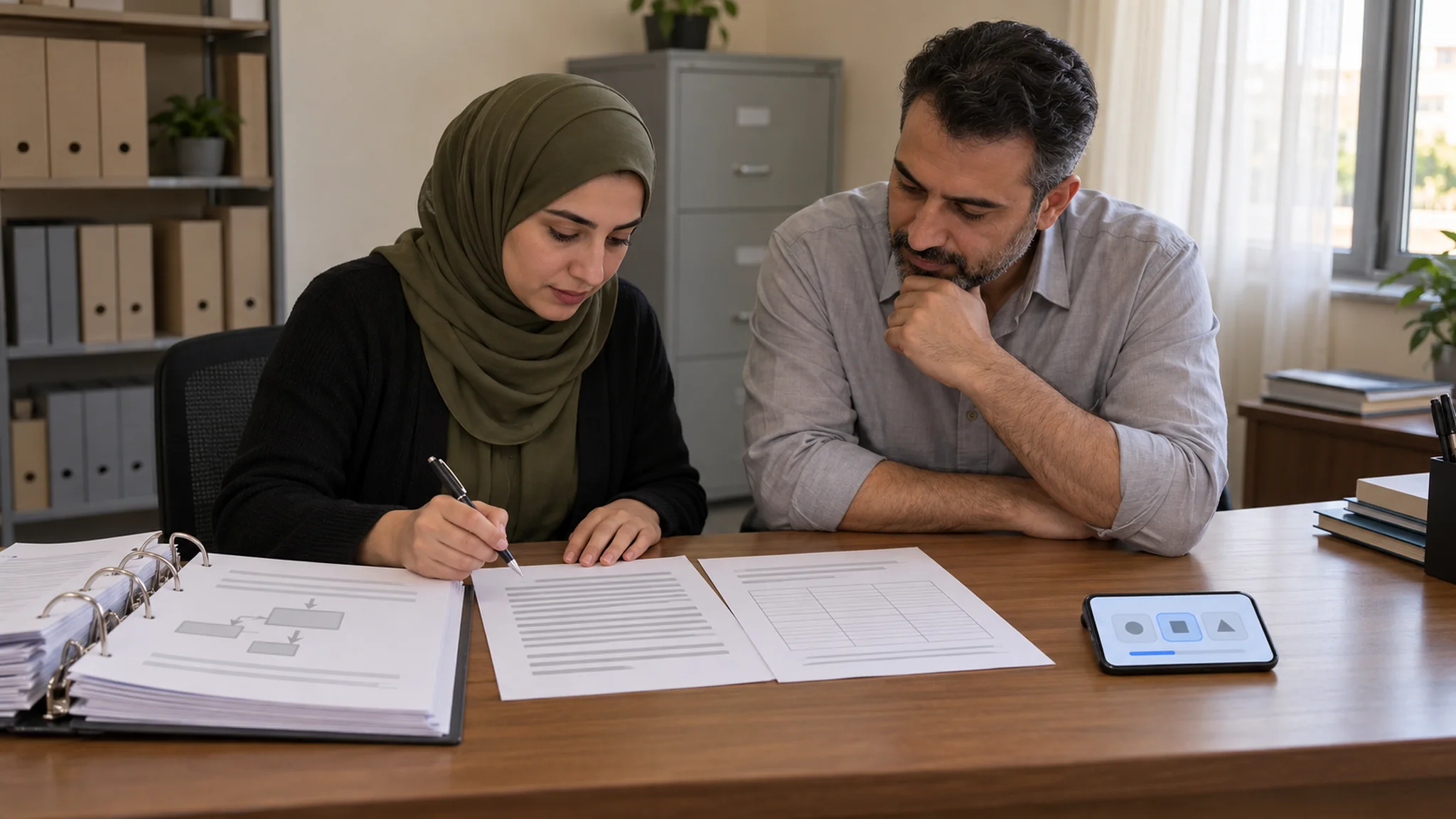
When Collaborative Tasks Add Value to eLearning for Qatar Project TeamsPicture a project team in Doha a few weeks before a fit-out package reaches handover. The planner, the site engineer, the quantity surveyor, and the document controller have each completed the company’s eLearning module on change control, and every one of them passed the quiz. Then the first client variation of the month arrives, and four people produce four different readings of what it means for cost, sequence, and drawings.
The eLearning did its job for each individual. What it never tested was whether their parts of the procedure fit together, which is where many project errors happen. That gap is why learning teams consider adding collaborative tasks to eLearning for project teams. It is also where some go wrong, because group work added to every eLearning module creates coordination effort without adding much learning.
This article helps HR and digital learning teams in Qatar decide when a collaborative eLearning task is worth the effort, how to define the shared task and the participant roles, and how to assess each person’s contribution so the result tells you more than individual viewing can.
When a Collaborative Task Is Worth Adding to eLearningCollaboration has a cost. Team members must read each other’s input, agree on a direction, chase missing information, and keep a shared output consistent. In their work on collaborative cognitive load theory, Kirschner, Sweller, Kirschner, and Zambrano argue that learning in a team is more effective than learning alone when the material is too complex for one person’s working memory, because the team can share the processing. When a task is not complex enough, the communication and coordination it demands become extra load that works against learning.
For corporate eLearning, that gives a practical rule: add collaborative learning only when the real work depends on several people combining what they know. Three questions help:
If the answer to all three is no, keep the eLearning individual and invest in better practice and feedback for each person. Site induction content, timesheet steps and most policy awareness modules belong here. Collaboration earns its place in tasks such as reviewing a client variation, resolving an interface clash between two subcontractor packages, preparing a commissioning sequence, or answering a request for information that affects several disciplines.
Designing the Shared eLearning TaskA shared task in eLearning is not a discussion forum with a question at the top. It is a structured piece of work the team cannot finish unless each member contributes something specific. Build it from artifacts your project teams already handle: a change request, a schedule extract, a drawing register, a snag list, or a method statement.
Distribute the InformationGive each role only the part of the case its real counterpart would hold. Nobody can reach a sound answer from their own pack, so collaboration is built into the eLearning task itself rather than requested in the instructions.
Define One Output and a Time WindowState exactly what the team must submit, in which template and by when. For asynchronous eLearning, a window of three to five working days suits teams split between site offices and head office, with each member posting a first analysis within the first day. Any live checkpoint should be short; the evidence should still come from the eLearning platform. If part of the task runs live, our guide to reviewing group outputs in live virtual sessions covers that format.
Script the PhasesThe same researchers note that learners typically do not collaborate effectively without guidance. A simple collaboration script keeps the work moving: individual analysis, sharing, reconciling differences, agreeing the decision, and submitting. Give each phase its own deadline inside the eLearning platform, and add one feedback point before submission: a reviewer outside the team comments on the draft against the rubric, so the team learns by correcting its own work.
Assigning Participant RolesTwo kinds of participant roles matter in collaborative eLearning, and they do different jobs:
Kirschner and colleagues describe roles such as chair, timekeeper, and reporter as promoting team cohesion and responsibility and reducing coordination effort, and they note that larger teams make collaboration more complex. In collaborative eLearning for project teams, three to five people per team usually works well, and one person can hold a work role and a process role together.
Write a short role brief for each participant: what you receive, what you contribute, by when, and what you check in others’ work. If the most senior engineer is also the coordinator, junior members may simply defer. A visible deliverable for every role protects junior voices, and rotating process roles in a second round spreads the coordination experience. Language is a separate question, covered in our article on designing eLearning for multilingual hotel teams in Qatar.
Assessing Each Person’s Contribution, Not Just the Group OutputIndividual viewing of an eLearning module produces clean records: one learner, one completion, one score. None of it shows whether the person can work with others on the task. A group output has the opposite problem. It shows what the team produced, but hides who did the thinking, and it lets a passive member pass on the strength of others.
Guidance from Carnegie Mellon University’s Eberly Center on assessing group work addresses both problems. It recommends assessing individual as well as group learning, because individual assessment discourages free riding. It also advises assessing process as well as product, using peer and self-evaluation while recognizing that process assessments are subjective, and communicating criteria and weighting in advance. Written for university group projects, its principles transfer well to collaborative eLearning at work.
Combine four kinds of evidence:
Decide the weighting before launch and publish it with the role briefs. A split such as half for individual evidence and half for the group output keeps attention on both. Keep contribution records to what the assessment needs, and handle them under your organization’s HR and data policies.
A Hypothetical Example: Reviewing a Client Variation on a Doha Fit-Out ProjectThe following example is hypothetical and is included only to illustrate the method.
A fit-out contractor delivering office interiors in Doha and Lusail wants its project teams to handle client variations more consistently. Its current eLearning module on change control is a twelve-minute video and a ten-question quiz. Completion is high, yet internal reviews keep finding variation submissions priced without schedule impact or issued against superseded drawings.
The learning team adds a collaborative eLearning task for teams of four. The client asks to move a meeting-room partition after ceiling services have been installed. The engineer’s pack shows the services clash, the planner’s pack shows the affected activities, the quantity surveyor’s pack holds the rates and a summary of the variation clause, and the document controller’s pack shows that one drawing in circulation is out of date. The team has four working days to submit one variation assessment, with first-pass analyses due on day one.
Assessment follows the four-part model. A rubric checks the group submission for complete and consistent scope, cost, time, and document implications. Each member’s first pass is scored against their role brief. A week later, each person answers one new eLearning scenario alone, and the peer ratings are discussed with the project manager.
The learning team then checks what the final submission contains that no first pass raised, and whether the teams’ next real variations arrive more complete.
How to Tell Whether Collaboration Added ValueComparison with individual viewing is the point, so build it in from the start. The first-pass analyses give you a ready baseline: anything the group output contains that no individual identified is value the collaboration created. Where possible, also run the individual eLearning module alone with a comparable team and score its members on the same follow-up scenario, in the same spirit as testing one task in two eLearning versions. Read the results this way:
Then look beyond the platform. If the collaborative eLearning works, it should show in the next real variations, interface reviews, and requests for information the team handles, which is where employee learning ultimately counts.
SummaryCollaborative tasks add value to eLearning for project teams when the real work depends on several roles combining information and judgment. For simpler tasks, individual practice with good feedback is usually the better investment, because collaboration brings coordination costs of its own.
When collaboration is justified, build a shared eLearning task that no single role can complete, assign clear work and process roles, and assess each person’s contribution alongside the group output. The first-pass analyses then show what the team achieved together that individual viewing could not.
Click here. If you are weighing a collaborative task for your own project teams’ eLearning, you are welcome to talk it through with the SkillUp MENA team.