Loading...
Subscribe to Our Newsletter
Get the latest updates delivered straight to your inbox.

The ultimate L&D solution for upskilling your workforce.


© 2026 SkillUp MENA, Inc. All rights reserved
Subscribe to Our Newsletter
Get the latest updates delivered straight to your inbox.
The ultimate L&D solution for upskilling your workforce.
© 2026 SkillUp MENA, Inc. All rights reserved

 Share :


A virtual classroom is not a meeting with slides
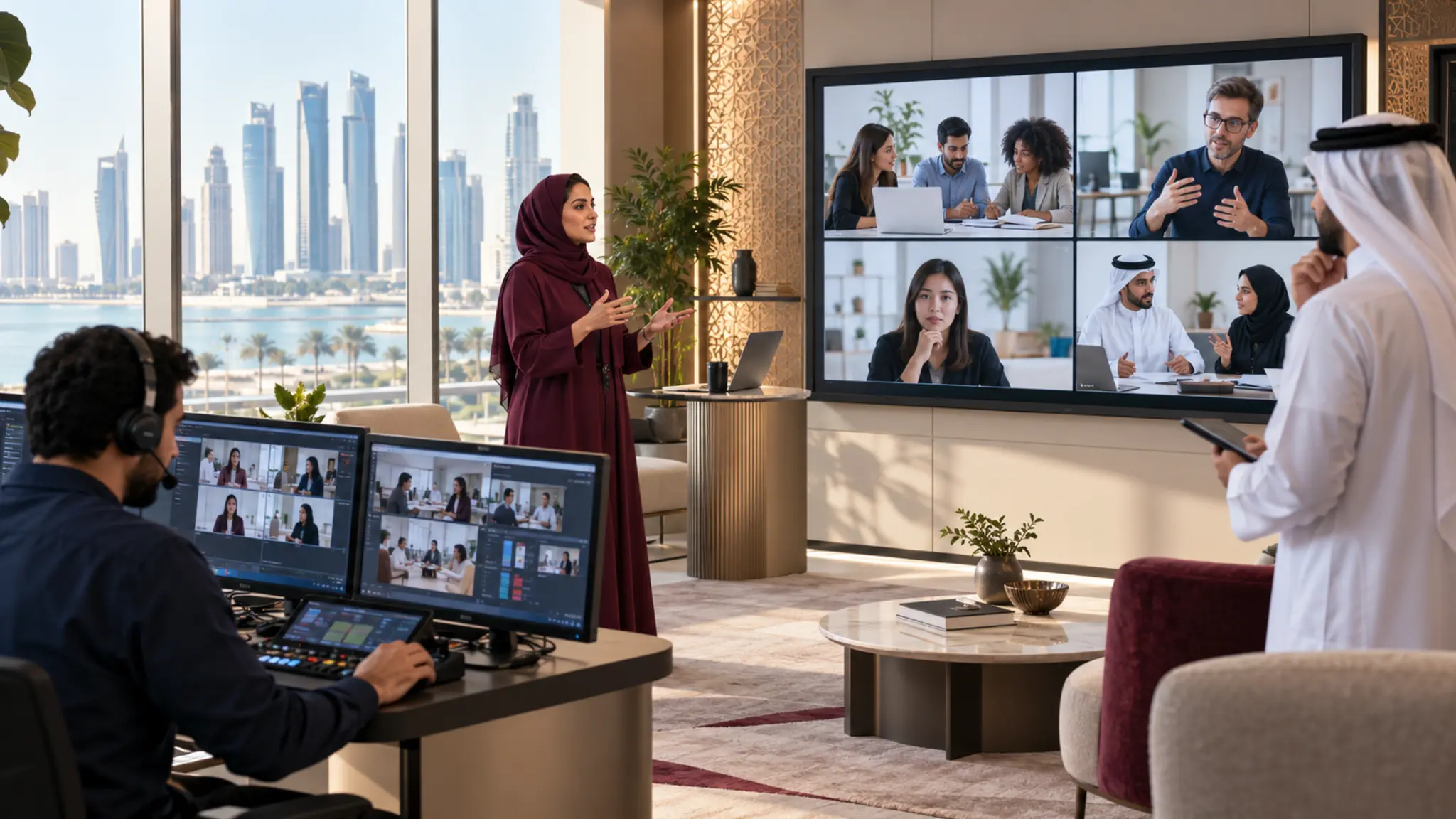
A virtual classroom can connect managers and employees across Doha, branches and sites. It loses value when it becomes a long presentation with token questions. Interaction is not the number of polls. It is the action that helps a learner make a decision, practice a skill, produce evidence and receive feedback.
Designing interactive virtual classrooms in Doha begins with required performance rather than platform features. Define what the learner will do at work, the situation they will face and the evidence of readiness. Only then select a breakout room, poll, shared board or role-play.
Qatar organizations operate across multicultural teams, regulated sectors and digital transformation. Qatar National Vision emphasizes human development, capability and innovation. One classroom cannot claim national outcomes, but it can build a localized and measurable decision or practice that contributes to organizational capacity.
Set one session outcome
Replace a broad heading such as “leadership skills” with an outcome: “The manager gives feedback on underperformance using a defined model while maintaining clarity and fairness.” The outcome helps remove irrelevant content, create a case and define observation criteria.
Ask what decision or behavior changes, which error is common or costly, what knowledge is needed before practice, how many attempts are required, who gives feedback and what application follows.
Design before, during and after
Before the classroom, provide a technical check, a concise case or concept and a diagnostic. Preparation should be light and should appear in the opening. During the session, protect time for cases, practice and review. Afterwards, the learner completes a workplace task and a manager or expert reviews the evidence.
If preparation is ignored in the session, participants learn that it does not matter. If the session leads to no assignment, learning remains an isolated event.
Open with a decision
Present a short situation in the opening minutes and request a choice, ranking or response. Display patterns without embarrassing individuals and use disagreement to explain the objective. Learners see relevance, discover their baseline and experience the model as an answer to a problem rather than a long theoretical introduction.
Use interaction with a purpose
Change learner activity regularly without adding meaningless interaction. Move from listening to individual thinking, response, small-group discussion, practice and feedback. Each shift should support retrieval, application, comparison, correction or commitment.
Use deliberate silence. Give participants time to read and write a decision before discussion. This improves quality and gives second-language users a fair opportunity.
Engineer breakout rooms
Do not say “discuss the topic” and send people away. Give each group a defined output, roles such as manager, employee and observer, an observation rubric, a clear time and warning, a method to record the decision and a review question for return.
The more sensitive the practice, the smaller the group and the greater the need for observation. Multiple rounds may be necessary so learners can apply feedback.
Use Doha and Qatar cases
Build scenarios around realistic roles, decisions and authority: a financial-services manager, customer-service supervisor, project leader, or employee in healthcare, energy or aviation. Review data, sensitivity and language with a subject expert. A national slogan is not localization; a recognizable decision is.
Keep characters diverse without stereotyping. The professional problem is central, not nationality. Test whether the case works for a new employee, an expert and a second-language user.
Separate facilitator and producer roles
The facilitator prompts decisions, examines evidence, corrects understanding and protects psychological safety. The producer manages rooms, chat, timing, entry and technical problems. One person may combine roles in a small session, but the run sheet must remain clear so learning is not lost while technology is repaired.
Facilitators need to listen and resist filling every silence. They should ask for reasoning, link feedback to the standard and re-engage people without embarrassment. Producers need a fallback when a tool fails or someone disconnects.
Design for connectivity and accessibility
Provide a lightweight case, audio access, written instructions, legible contrast and type, and captions or a written summary for audio. Do not make cameras mandatory for every activity. If visual observation is essential, explain why and provide a safe or equivalent route.
Define recording policy: what is recorded, who can see it, how long it is retained and which practice remains unrecorded because of sensitivity. Explain this before the session.
Measure what the classroom produces
Go beyond attendance and satisfaction. Measure access incidents and resolution time, quality of opening and final decisions, role-play or case performance against a standard, feedback and participation quality, completion of the workplace assignment and manager approval, and a behavior or close indicator after an appropriate interval.
A session can be enjoyable without building skill, or demanding and highly useful. Separate comfort from value and use learner comments to interpret evidence and improve design.
A 90-minute pattern
1. 10 minutes: case, decision, objective and rules.
2. 15 minutes: concise tool or model.
3. 20 minutes: breakout case analysis.
4. 25 minutes: practice or role-play and observation.
5. 10 minutes: feedback and pattern extraction.
6. 10 minutes: application plan and evidence requirements.
This is an example, not a universal ideal duration. Some skills need shorter recurring sessions or a longer lab. The standard is focus, practice opportunities and evidence quality.
A 30-day design pilot
1. Select one current session and one performance outcome.
2. Remove presentation that does not serve the decision.
3. Build an opening, case, breakout and application task.
4. Rehearse with real users.
5. Prepare facilitator and producer for intervention points.
6. Compare mastery and application with baseline.
Rehearsal is part of design
Run the rehearsal with people resembling the audience, not only the project team. Test phone and desktop entry, movement into rooms, case clarity, file download and return to plenary. Observe where participants ask for clarification and where time ends before an output is produced.
Rehearsal also exposes facilitator load. If one person must launch polls, watch chat, open rooms and assess performance simultaneously, simplify the design or add a producer. The session should not rely on individual heroics that cannot scale.
Manage energy without a rigid formula
There is no ideal duration for every virtual classroom. Energy depends on difficulty, time of day, audience experience, practice volume and the meetings that preceded training. Monitor response quality rather than camera status. Use a break when capability needs recovered attention and split a session when objectives are too numerous.
Send reference material after the classroom instead of presenting all of it. Every synchronous minute should add interactive explanation, decision, practice or feedback that is not easily achieved alone.
Govern versions and reuse
Every classroom needs a content owner, version and review date. Define what facilitators may adapt, what requires approval and what triggers learner reassignment. Keep the facilitator guide, case, assessment standard and producer checklist in one package so sites and facilitators do not use conflicting versions.
After delivery, record the proposed change and its evidence: repeated friction, a question, a local example or scoring variation. Review changes periodically rather than editing slides after every individual comment.
Connect evidence with talent decisions carefully
If classroom evidence informs readiness, promotion or assignment, explain that in advance, stabilize scoring and provide feedback and a fair reassessment route. Chat activity and camera use are not professional capability measures.
Build a classroom that learns from data without becoming employee surveillance. Collect what supports experience improvement and decisions, and govern access and retention.
Designing interactive virtual classrooms in Doha means turning synchronous time into decisions, practice and feedback, then connecting it with evidence from work. The platform becomes an enabler rather than the experience itself.
Next step