Loading...
اشترك في نشرتنا البريدية
اطلع على آخر الأخبار مباشرة من بريدك الإلكتروني.

الحل المتكامل للتعلّم والتطوير للارتقاء بمهارات فريقك.


© 2026 سكيل أب مينا. جميع الحقوق محفوظة.
اشترك في نشرتنا البريدية
اطلع على آخر الأخبار مباشرة من بريدك الإلكتروني.
الحل المتكامل للتعلّم والتطوير للارتقاء بمهارات فريقك.
© 2026 سكيل أب مينا. جميع الحقوق محفوظة.

 مشاركة :


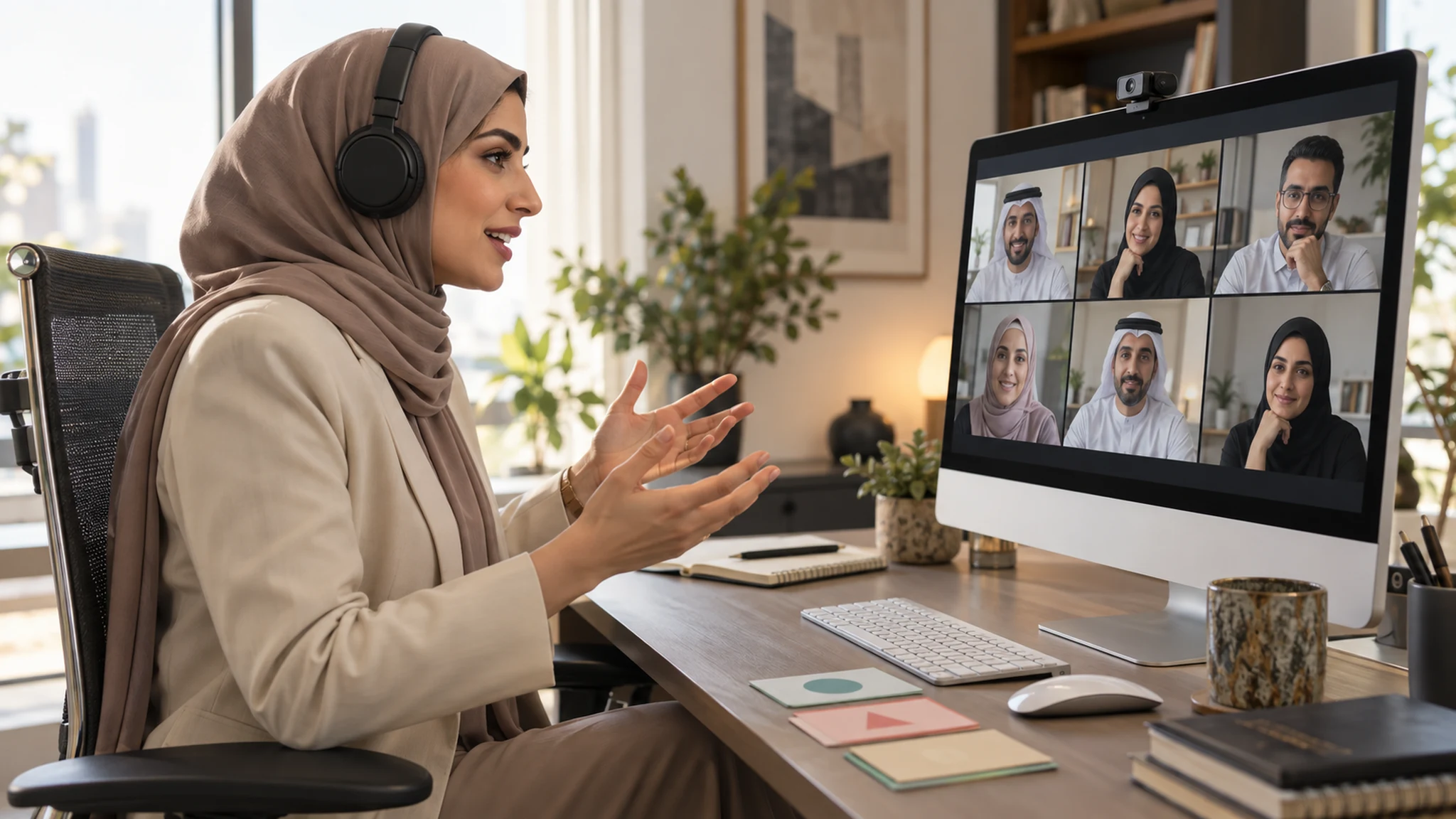
التفاعل يبدأ بسؤال يستحق الإجابة لا تكفي كثرة الاستطلاعات أو مطالبة المشاركين بفتح الكاميرا لزيادة التفاعل في الجلسات الافتراضية باللغة العربية. قد ينقر الموظف على إجابة ثم يعود إلى بريده، بينما يشارك زميله بهدوء في تحليل حالة مهمة. المطلوب هو نشاط يدفع المتعلم إلى التفكير والاختيار والتفسير، ويمنح الميسر دليلًا على الفهم.
ابدأ بموقف قريب من العمل: طلب عميل غير مكتمل، أو قرار تفويض، أو تعارض بين أولويتين. اسأل المشاركين ماذا سيفعلون ولماذا، ثم استخدم اختلاف الإجابات لتقديم المفهوم. بهذا يصبح الشرح استجابة لحاجة ظهرت في الجلسة، لا مقدمة طويلة تنتظر النشاط في نهايتها.
اكتب العربية للتعلّم والعمل استخدم لغة عربية واضحة وجملًا قصيرة ومصطلحات مألوفة للجمهور. عندما يظهر اسم أداة بالإنجليزية داخل النظام، احتفظ به مع شرح عربي ثابت بدل تبديل الترجمات خلال اللقاء. ويمكن للميسر تبسيط الحوار بلغة محكية يفهمها الجمهور مع إبقاء التعليمات والمعيار مكتوبين بصياغة واضحة.
اختبر اتجاه القراءة والقوائم والأرقام والنصوص المختلطة على الهاتف والحاسوب. فقد يكون السؤال صحيحًا لغويًا لكنه صعب الاستخدام بسبب ترتيب الخيارات أو طول السطر. افصل التعليمات عن الحالة، واذكر المطلوب وشكل الإجابة والوقت المتاح.
صمم المشاركة قبل اختيار الأدوات اختر الأداة بناءً على العمل الذهني المطلوب. يصلح الاستطلاع لكشف اختلاف القرار، والمحادثة لالتقاط تفسير مختصر، والمجموعة الصغيرة لمقارنة حلول، والمستند المشترك لإنتاج مخرج. لا تستخدم كل هذه الأدوات في جلسة واحدة لمجرد توفرها؛ فالتنقل المتكرر قد يستهلك وقت الممارسة.
قبل فتح مجموعة صغيرة، حدد المهمة والأدوار والمخرج. مثال: يختار الفريق ردًا لعميل، ويكتب سبب الاختيار ومخاطرة واحدة، ثم يشارك المتحدث النتيجة. ووفّر طريقة بديلة للإجابة داخل الغرفة الرئيسية لمن تعذر انتقاله أو استخدامه للأداة.
نموذج مقترح لجلسة مدتها 60 دقيقة يمكن تجربة التوزيع التالي ثم تعديله حسب صعوبة الموضوع وحجم المجموعة واحتياجات المشاركين:
5 دقائق: اختبار المشاركة وشرح الهدف ومخرج الجلسة.
10 دقائق: حالة أولية واختيار فردي مع تفسير.
10 دقائق: شرح الأداة وتحليل الإجابات الشائعة.
5 دقائق: استراحة قصيرة بعيدًا عن الشاشة.
15 دقيقة: ممارسة في مجموعات أو محاولة فردية موجّهة.
10 دقائق: مناقشة المخرجات وتقديم تغذية راجعة.
5 دقائق: سؤال خروج وتحديد مهمة تطبيق في العمل.
هذا مثال تصميمي وليس مدة مثالية ثابتة. إذا احتاجت المهمة ممارسة أعمق، قسّم الرحلة إلى لقاءات أو امنح النشاط وقتًا أطول بدل تسريع الإجابات لإغلاق الجدول.
أتح التفكير قبل التحدث امنح المشاركين وقتًا قصيرًا لتكوين الإجابة قبل طلبها علنًا. يمكن أن يكتب الجميع أولًا ثم يرسلوا إجاباتهم في وقت متقارب، لتقليل تقليد أول إجابة. تعامل مع الخطأ بوصفه دليلًا يحتاج تفسيرًا، وتجنب إحراج شخص بسبب صعوبة لغوية أو تقنية.
توصي إرشادات W3C لإتاحة الفعاليات بالاهتمام بالمواد والتواصل واحتياجات المشاركين. عمليًا، أرسل الملفات بصيغ قابلة للاستخدام، ووفّر ترجمة نصية للكلام عند الحاجة، واقرأ مضمون الإشارة البصرية المهمة بدل قول «كما ترون» فقط. راجع دقة المصطلحات في النص الآلي إذا استخدمته.
قِس جودة المشاركة تابع من تمكن من المشاركة وأين تعثر، لكن أضف تحليلًا للإجابات: هل تغير تفسير القرار؟ هل تحسنت المحاولة الثانية؟ هل استطاع الموظف تطبيق الأداة في مهمة لاحقة؟ عدد الرسائل وحده لا يجيب عن هذه الأسئلة.
اختر جلسة قائمة وأعد تصميم نشاط واحد فيها، ثم قارن وضوح التعليمات وجودة المخرجات والتطبيق اللاحق. زيادة التفاعل في الجلسات الافتراضية باللغة العربية تتحقق عندما تساعد اللغة والأداة والتيسير الموظف على ممارسة قرار حقيقي وإظهار ما تعلمه.